
Read Real-World Conditions
Photos, video, audio, and progressive information put the learner in the scene and make observation matter.
SizeUpIQ helps firefighters and first responders sharpen scene recognition, communication, and decision-making before the tones drop.
Realistic scenarios, focused decisions, and useful feedback—on your time.
▶ Get startedRun a complete SizeUpIQ scenario before you create an account. No signup required.
Run a quick rep between calls, assign structured training to a crew, or coach a complete team. SizeUpIQ keeps the work focused on what responders see, say, prioritize, and decide.
Photos, video, audio, and progressive information put the learner in the scene and make observation matter.
Evaluate what a responder sees, says, prioritizes, and decides—not just whether they remember a fact.
Turn instructor experience into reusable scenarios, use your own media, and keep training relevant to your people.
See individual and team trends so the next team drill or coaching conversation has a clear purpose.
Organize members, groups, assignments, scoring, and shared content for departments, academies, and agencies.
Build realistic scenarios from the calls, conditions, and coaching points that matter to your people. Assign training, review decisions, score performance, and keep the conversation focused on why the choice was made.
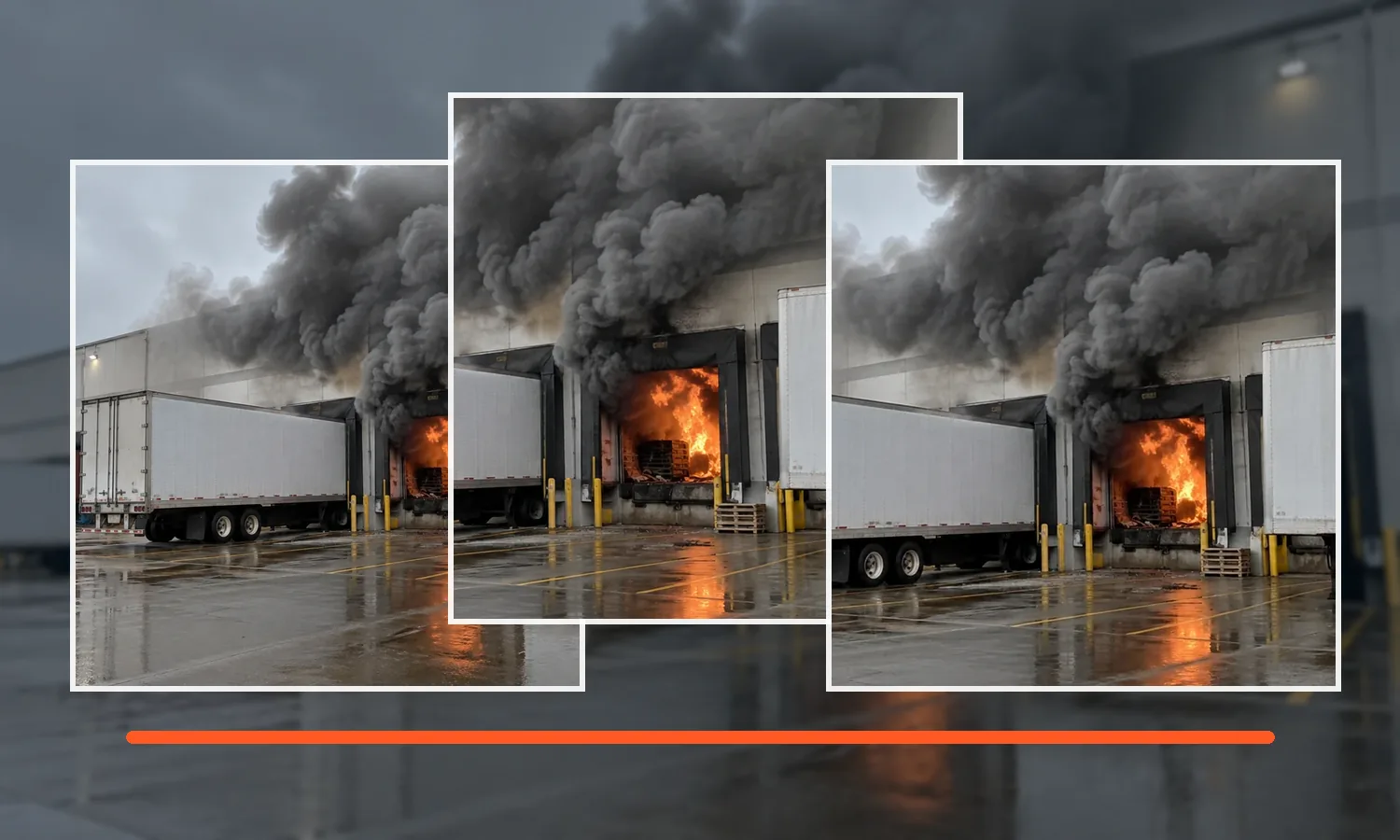
Turn familiar response-area photos into training conditions, then use AI assistance to shape scenario content while you stay in control of what makes the final cut.
Unsaved AI previews stay temporary and are not added to your Media Library until you save them.
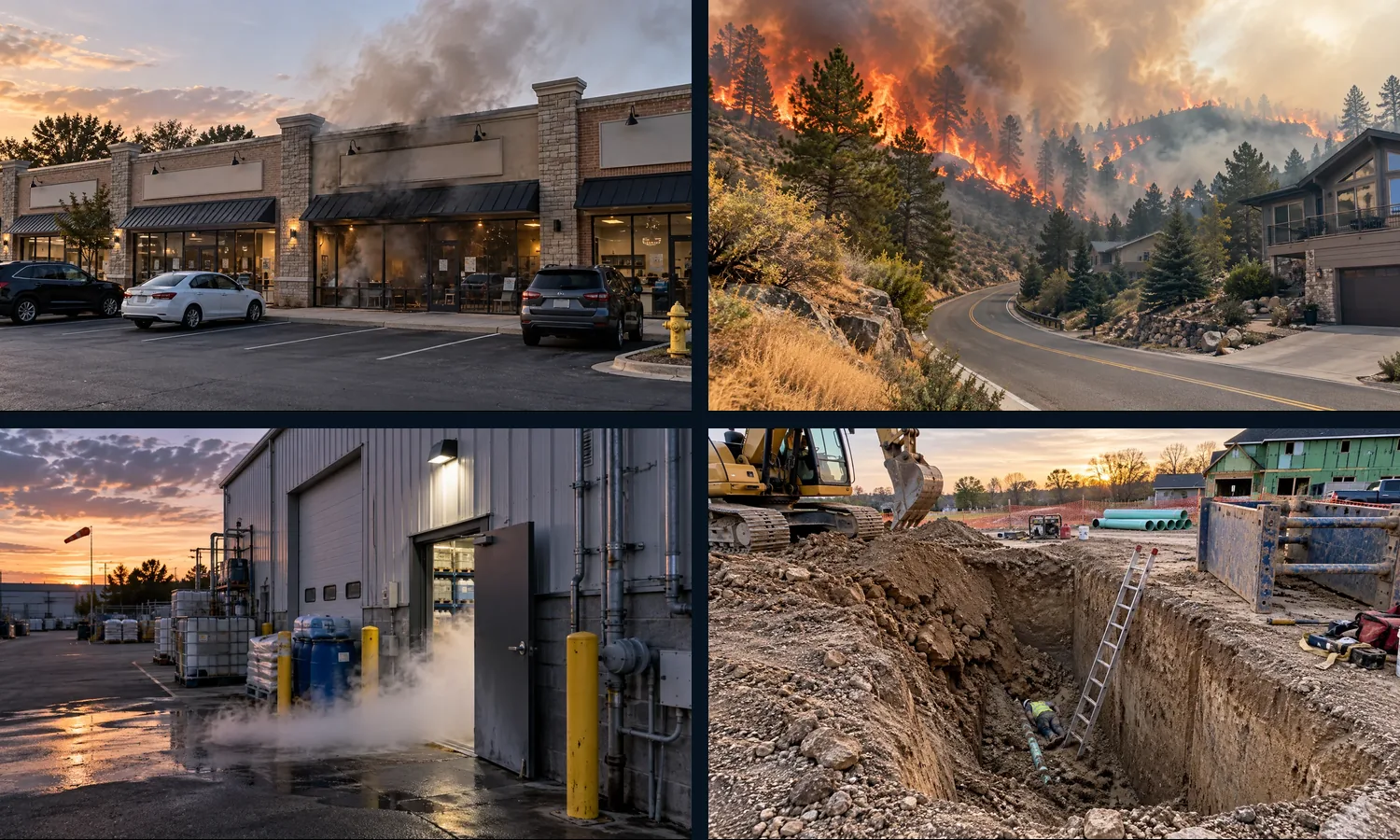
Bring members, instructors, assignments, scoring, shared scenarios, and performance trends into one coordinated training workflow for departments, academies, and public-safety agencies.
SizeUpIQ gives responders a repeatable way to practice reading conditions, identifying priorities, forming a radio report, and committing to a decision. Instructors can pause on the why, compare approaches, and turn every attempt into the next coaching point.
Early Access is free while we refine the platform with feedback from participating users and organizations.
Practice size-ups and build your personal training history.
IncludedTurn your experience and media into reusable scenarios.
IncludedCoordinate training across a department, academy, or agency.
IncludedA few straight answers about trying SizeUpIQ, building scenarios, using AI, training a crew, and deciding whether an account makes sense for you.
Yes. The public demo lets you run a complete SizeUpIQ scenario without signing up. When you are ready for more reps, creating an account gives you access to your training history, available scenario libraries, assignments, and the rest of the platform features available to your access level.
No. Individual firefighters and first responders can create an account and train on their own. If your department, academy, or agency later uses SizeUpIQ, the same account can join an organization workspace for assigned training, shared scenarios, groups, and team-level reporting.
A scenario can combine incident images, video, audio, multiple views, timed observation, progressive scene information, and scored or instructor-reviewed questions. The goal is to make the learner read conditions, communicate a size-up, set priorities, and commit to a decision instead of only answering recall questions.
Yes. Scenario Builder can use your own images, video, and audio so the occupancies, streets, buildings, apparatus, and hazards look familiar to your people. Instructors can build multi-scene incidents, control timing, add visual clues and conditions, create questions, set scoring, preview the scenario, and publish new versions without rewriting past training history.
Where the optional AI add-on is available, AI Media Studio can start from an uploaded or Media Library photo and generate training conditions such as smoke and fire based on the instructor’s direction. You can refine the temporary result and save only the version worth keeping. The normal Scenario Builder and training platform continue to work without AI.
Yes. Organization workspaces can manage members and groups, assign scenarios to the right people, review and score assessment work, and use reporting to see completion, performance, and recurring areas that may need another rep.
Learners can review their result and the feedback built into the training. Their completed work contributes to personal performance history, while authorized instructors in an organization can review responses, score work that needs human judgment, and use the results to guide the next drill or coaching conversation.
Yes. Scenarios can be reused inside personal or organization libraries, cloned into new drafts, and shared through Scenario Exchange when appropriate. Version history keeps published training stable so improving a scenario later does not rewrite the version someone already completed.
Yes. SizeUpIQ is web-based and designed to work across desktop, tablet, and mobile screens. On supported devices it can also be installed as a Progressive Web App for a more app-like training experience.
SizeUpIQ is currently free during Early Access, and no credit card is required. Pricing may be introduced later as the platform moves toward commercial launch, but Early Access is designed to let responders, instructors, and organizations put the training workflow through real use first.
No. SizeUpIQ is a supplemental training tool for building observation, communication, and decision-making reps. It should be used alongside hands-on training, instructor judgment, department policy, and the procedures that govern real-world operations.
Use the same training language across responders, instructors, officers, academies, and agencies without forcing every group into the same workflow.
Build better size-ups, stronger communication, and more confident decisions—one rep at a time.
Get started today →